Notes that stay with the song
“Where did I write that down?”
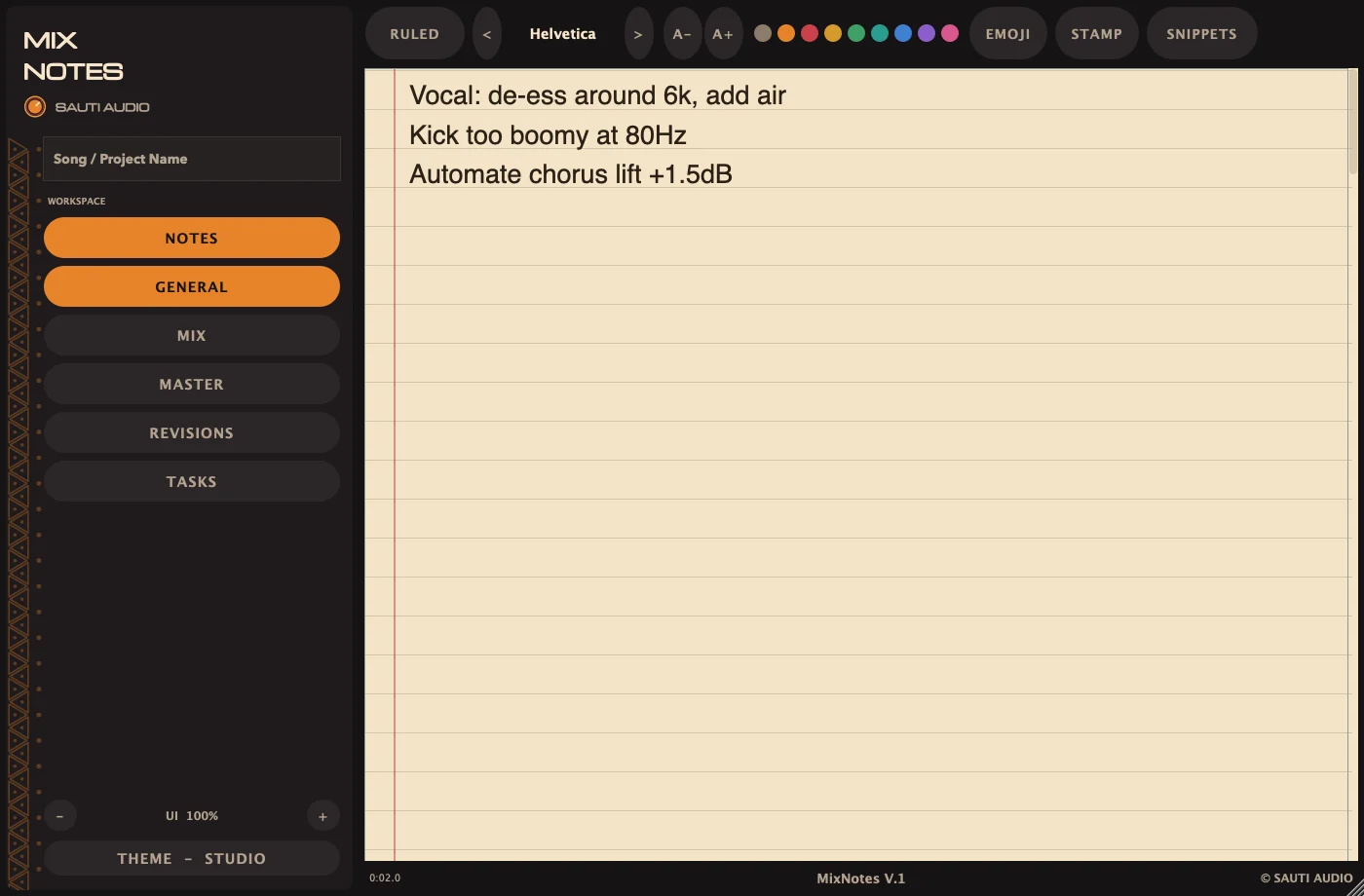
General, Mix, Master and Revisions pages, saved inside the project file. Open the session and your notes are already there.

Write it down where you’re already working. Mix Notes keeps your session notes, revisions and to-dos inside your DAW, saved with the project, so they’re there whenever you open it.
“Where did I write that down?”
General, Mix, Master and Revisions pages, saved inside the project file. Open the session and your notes are already there.
“The snare thing… somewhere in verse two?”
Press STAMP (or ⌘T) and Mix Notes types the playhead position, like [1:23.4], into your note.
“Did we already fix the vocal ride?”
A task list with ready-made checklists for mix prep, delivery and revision rounds, plus your own.
More tools for mixing, mastering and vocal production are on the way. If you’d like to hear when the next one is ready, leave your email.

Sauti
/sah-OO-tee/ · Swahili for “voice, sound”
Sauti Audio makes small, focused tools for producers, mix engineers and mastering engineers. Each one starts with a problem you hit in real sessions, and it’s done when it’s simple enough to stay out of your way.
That’s why our logo is a knob: the control you reach for most. Our job is to make that next move easier for you.
Mix Notes is our first plugin. We’ll let you know the day it’s ready.
Notify me at launch